Introduction to Coding and Data Analysis for Scientists
Week 2: Booleans and Conditionals
Today’s Lecture
- Lecture 2: Booleans and Conditionals
- Recap: Accessing Noteable
- Recap: Booleans
- If statements
- Practical
Why learn to code?
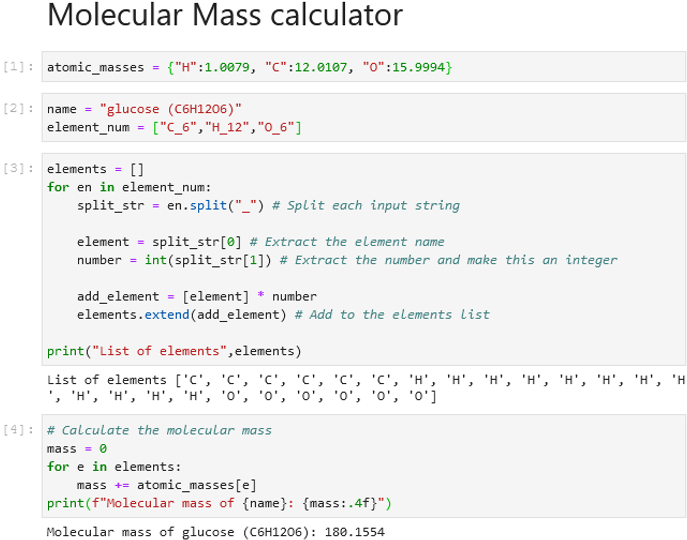
Whichever course you are taking you will likely need to write code at some point - Chemistry - Analyse experimental data - Automate repetitive calculations - Model chemical reactions/simulations
Why learn to code?
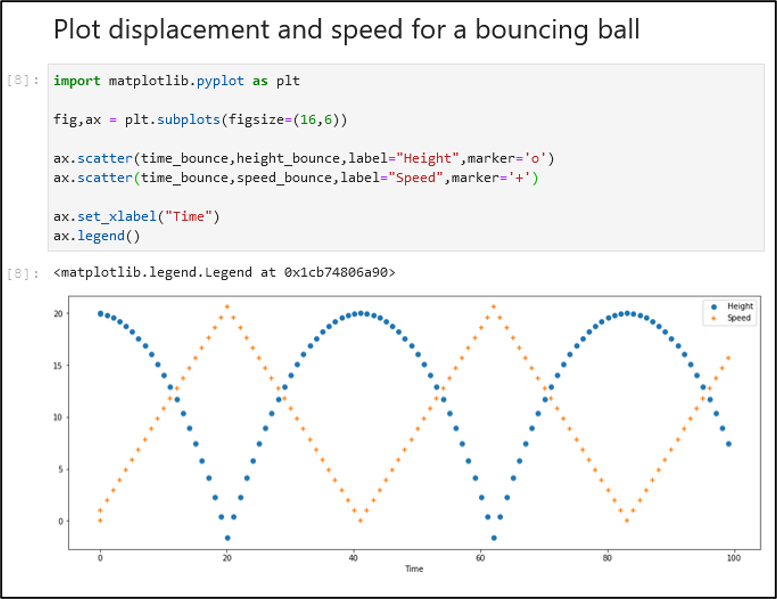
Whichever course you are taking you will likely need to write code at some point - Physics - Simulate physical systems - Process experimental measurements - Visualise complex phenomena
Why learn to code?
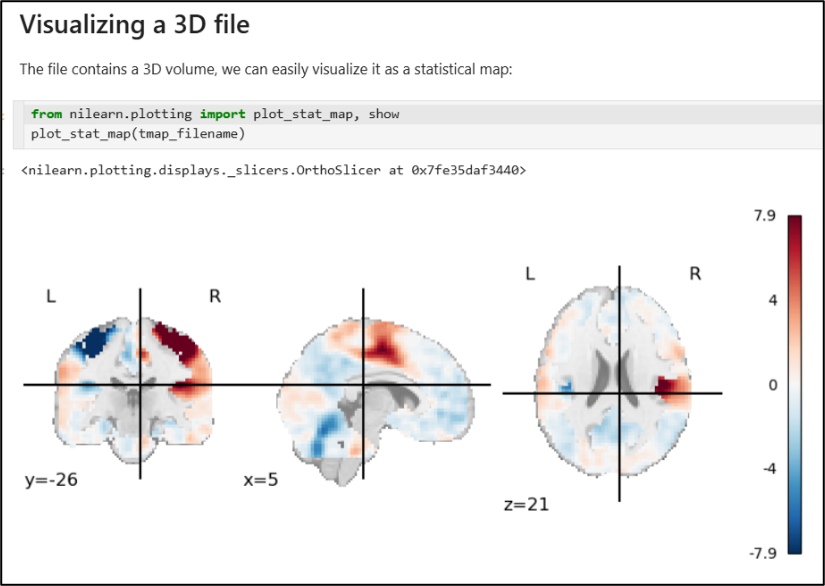
Whichever course you are taking you will likely need to write code at some point - Data Science - Clean and organise datasets - Apply statistical methods and machine learning - Communicate insights with visualisations
Recap: Accessing Noteable
- Open Blackboard
- Go to
Introduction to Coding and Data Analysis for Scientists 2025 - Click
Unit Information and Resources - Open Noteable
- Make sure
Jupyter Classic (Legacy)is selected. - Click Start
- Make sure
- Click
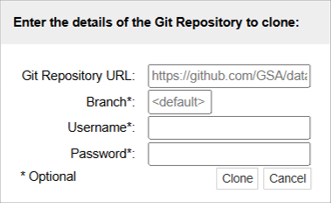
+GitRepo - Paste into Git Repository URL:
git@github.com:TomMaullin/SCIF10002-2025.git - Press clone
Recap: Last Time
- Last week, we started looking at the Python language
- We saw that variables can be assigned values using
= - To display the values of variables we can use
print
Recap: Last Time
Variables have their own Data Types
- Strings are sequences of characters
- Floats are decimals, Ints are integers
- Booleans are
True/Falsevalues - Lists are ordered groups of items
We spent some time looking at various things we could do with some of these data types
Recap: Booleans
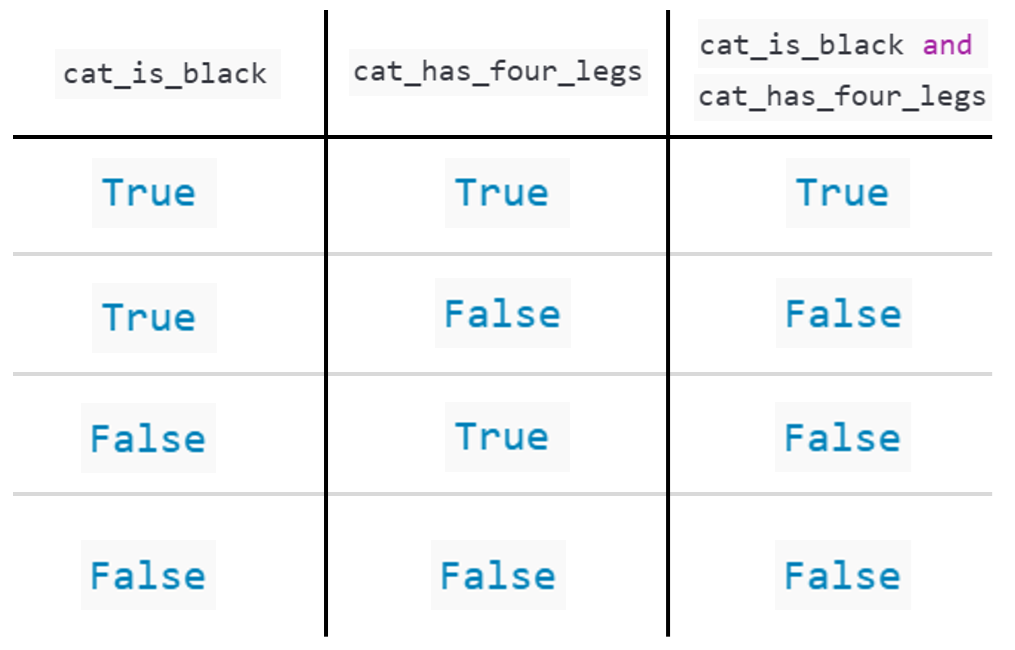
A Boolean is variable that can be either
TrueorFalseBooleans represent logical statements.
For instance, we saw an example where:
cat_is_blackrepresented the sentence “The cat is black”cat_has_four_legsrepresented the sentence “The cat has four legs”
We can use logical operators to combine Boolean statements
cat_is_black and cat_has_four_legsrepresented the sentence “The cat is black and has four legs”
Recap: Booleans
If Statements
- We should be starting to feel comfortable with giving a computer instructions via code
- But sometimes, we don’t want every line to run automatically
- Instead, we may want Python to act only when a specific condition is true
- This is where the
ifstatement comes in…
If Statements
- An if statement lets you run code when a Boolean statement is True
- Indentation is important!
- Python tells what is in the body by looking at which code is indented!
- Often we don’t bother naming the boolean, and instead write it directly inside the if statement
If Statements
- We can also tell the if statement what to do when the Boolean is False by using
else!
If Statements
- An
elif(short for else if) can be added to check more extra conditions.
- Multiple
elifcan be added.
Practical
- We now move over to Python
- Please open week_02_home.ipynb
- For the rest of today, you must work through a Python notebook
- You have a choice of one of three options